Running an ATS Scan While Signed In: What's Different
 Gowri Shanker·Sep 29, 2026
This is a companion note, not a second tutorial. The scan, its five score rows and how to read them are in what the ATS score does and doesn't measure, and what the tool covers and where it stops is in the ATS FAQ. This note covers only what changes when you sign in.
Short answer: signing in doesn't make the scan smarter. It removes the daily cap and takes the upsell off the page. Four of the five score rows still aren't scoring, signed in or out.
Does signing in change my ATS scan?
Not the scan itself. It's the same page and the same form. I didn't run a scan while signed in for this note, so I'm describing the page and the limit rules, not a score.
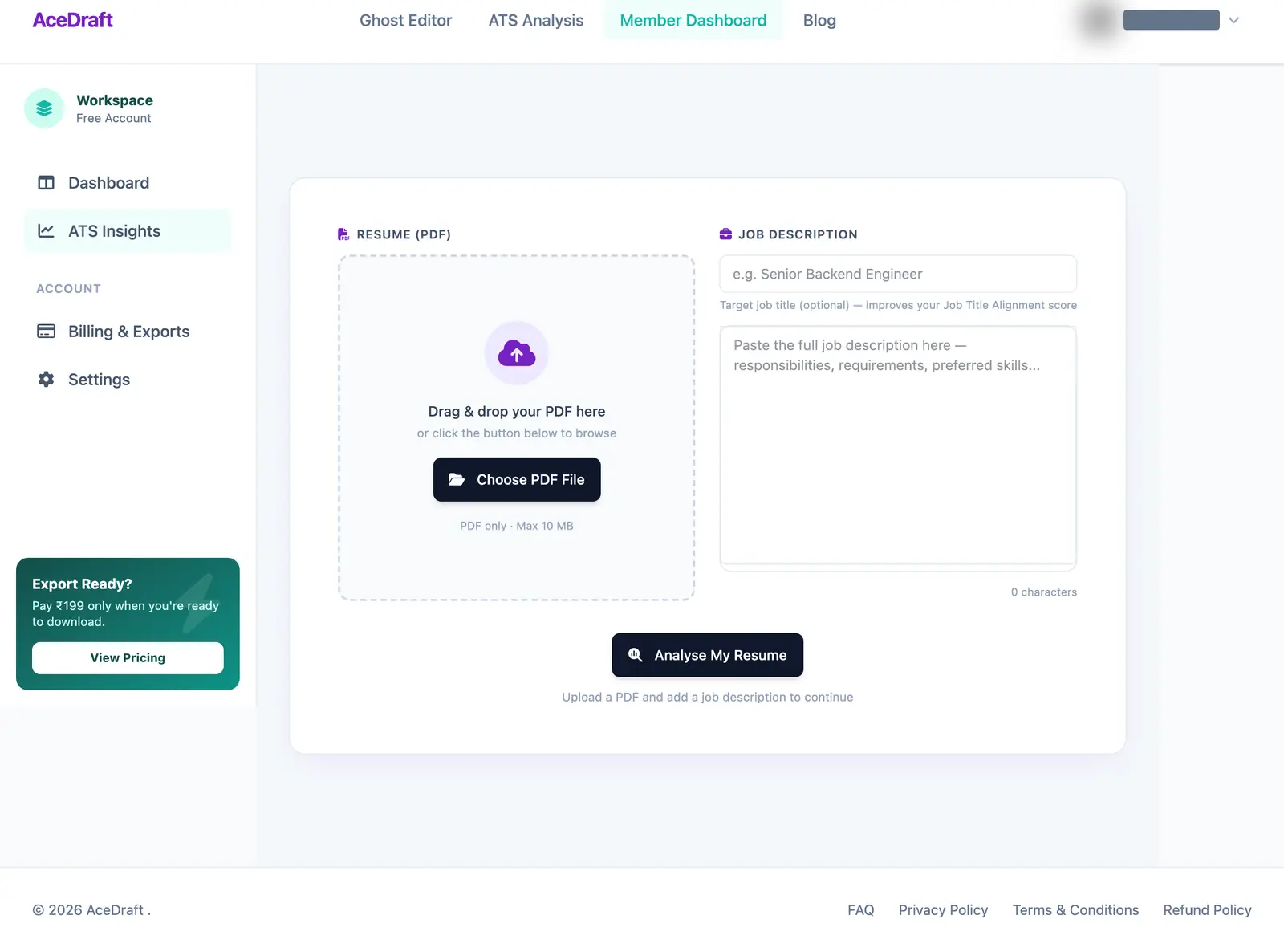 Signed in, 16 September 2026. No scan had been run, so no score is showing.
| Thing | Signed in |
| The scan form | The same: a PDF drop zone (PDF only, 10 MB at most), an optional target job title, a job description box and one Analyse My Resume button. |
| The score rows | The same. Four of the five still don't score. |
| Daily limit | None. Signed out you get 15 scans a day per browser, with a separate, higher cap per network address. Read in the code on 19 September 2026. |
| Upsell panel | Gone. The page hides it when you're signed in. |
| The page around it | Wrapped in your account shell: a top bar with an account menu and a left rail. |
| A remaining-scans counter | I saw none on the signed-in page. |
| Where a scan is kept afterwards | Not checked. |
Use this if you hit the daily cap signed out and want to know whether an account lifts it. It does.
Skip this if you wanted to know what the score means. That's the other post.
Comments
No comments yet. Be the first to comment.