AceDraft's ATS FAQ: What It Covers and Where It Stops
 Gowri Shanker·Sep 29, 2026
AceDraft's FAQ page answers sixteen questions in about a paragraph each. That is the whole product. If your question is "how long should a resume be", you get two or three sentences and a full stop, not an ATS resume guide with worked examples, and for a few of those questions a paragraph is genuinely not enough.
The page also ships with a broken-looking heading. It renders as "ACEDRAFT FAQ:" with a trailing colon and nothing after it, which I noticed while capturing screenshots on 2026-09-14 and have not fixed yet.
So this piece is a map, not a copy. It tells you what the FAQ covers, how the accordion behaves, and when to stop reading it and go somewhere with more depth.
Key takeaways
- The FAQ at /faq covers templates, resume length, photos, skills, fonts, graphics, what Full Access includes, and what an applicant tracking system is.
- Only one answer stays open at a time. Opening a second question closes the first.
- Answers are short by design. Several of these questions deserve a tutorial, and those tutorials are not written yet.
- No sign-in, no paywall, nothing to configure.
What does the AceDraft FAQ page cover?
Sixteen questions, grouped loosely into three concerns: what AceDraft is, how its templates work, and what a resume should look like.
The product questions are "What Does Acedraft Do?", "Do You Ship?", "What Do I Get With Full Access?", "How Does Your Resume Builder Work?" and "How Long Does It Take To Write A Resume In Your Builder?". The template questions are "What Is A Resume Template?", "How Do I Use A Resume Template?", "Are Acedraft Templates Recruiter-approved?" and "Are Your Resume Templates Capable Of Passing Ats?". The resume-craft questions are the rest: length, photo, graphics and fonts, skills selection, years of experience, one resume per job, and a plain definition of ATS.
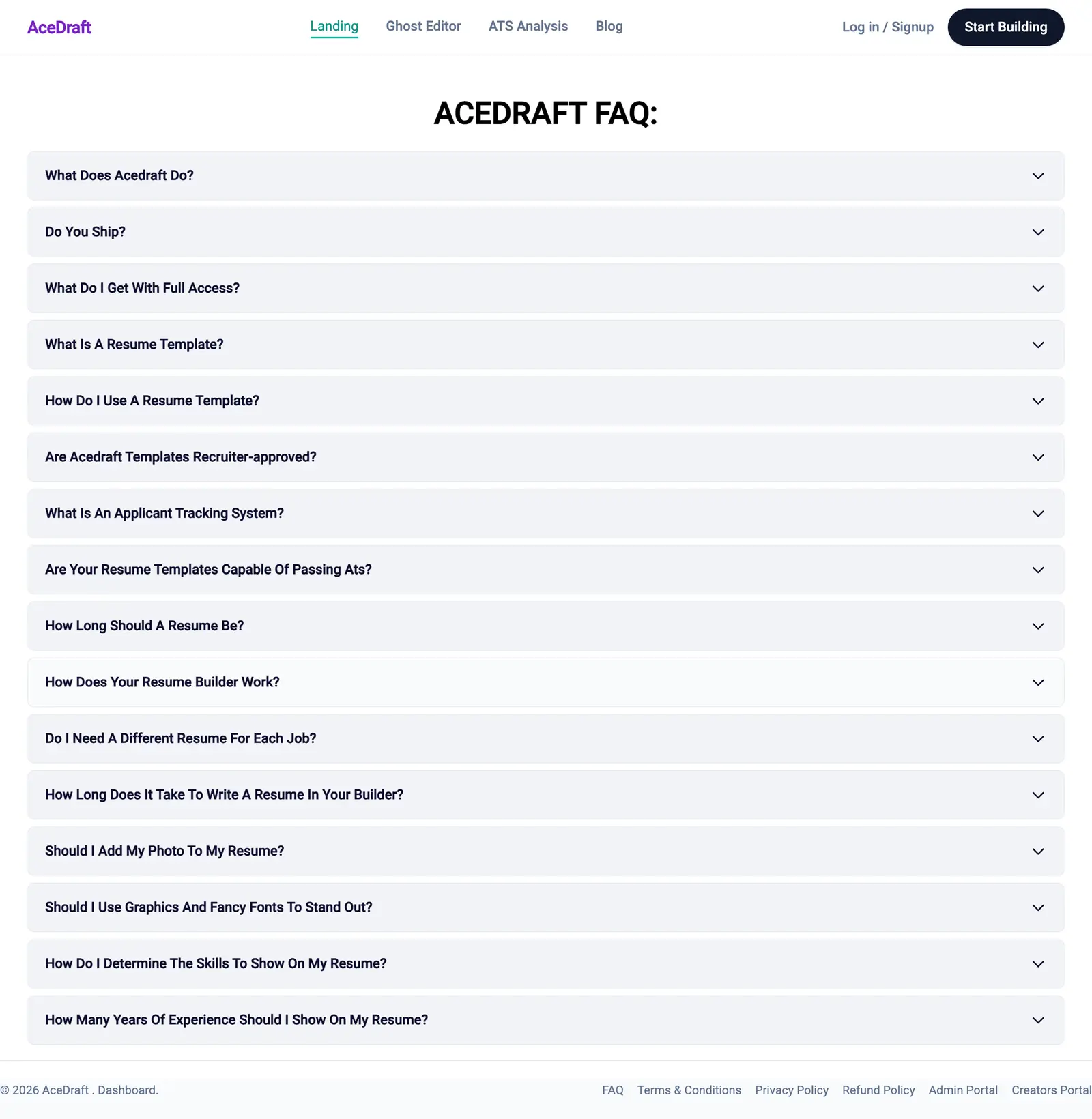 The whole question inventory fits on one screen at desktop width, which is the fastest way to decide whether your question is here at all.
Notice what is missing. There is nothing about cover letters, nothing about LinkedIn, and nothing about a named ATS vendor. I would rather leave those out than answer them from memory.
How does the FAQ accordion work?
It opens one answer at a time. Click a question row and its answer slides out underneath; click a different row and the first one closes itself without being asked.
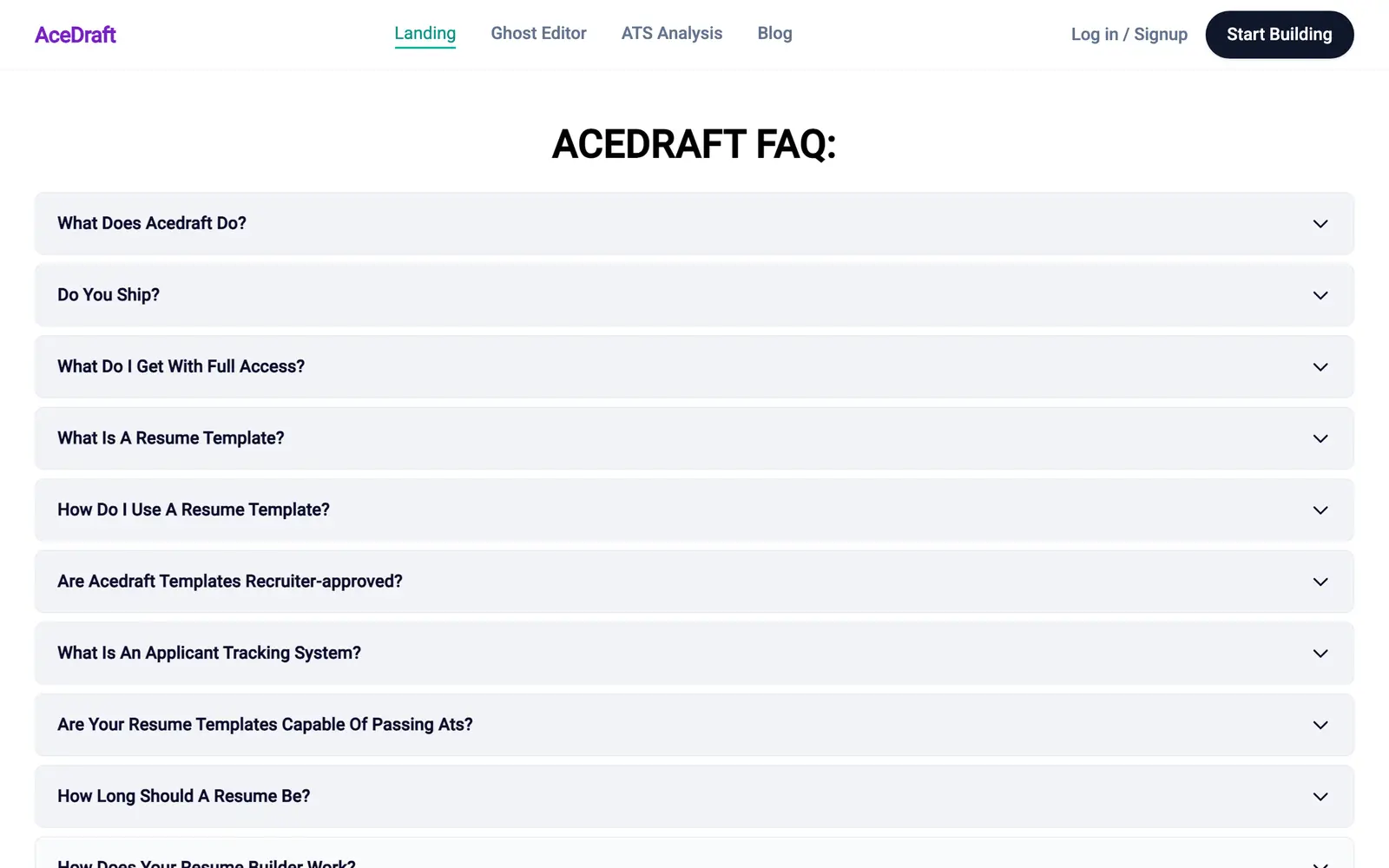 The default state. Nothing is expanded on load, so the page is a list of questions until you pick one.
That is a deliberate choice in the component, which tracks a single open index rather than a set. It keeps the page scannable. It also means you cannot read two answers side by side, so if you are comparing the length answer against the skills answer, you will be clicking back and forth.
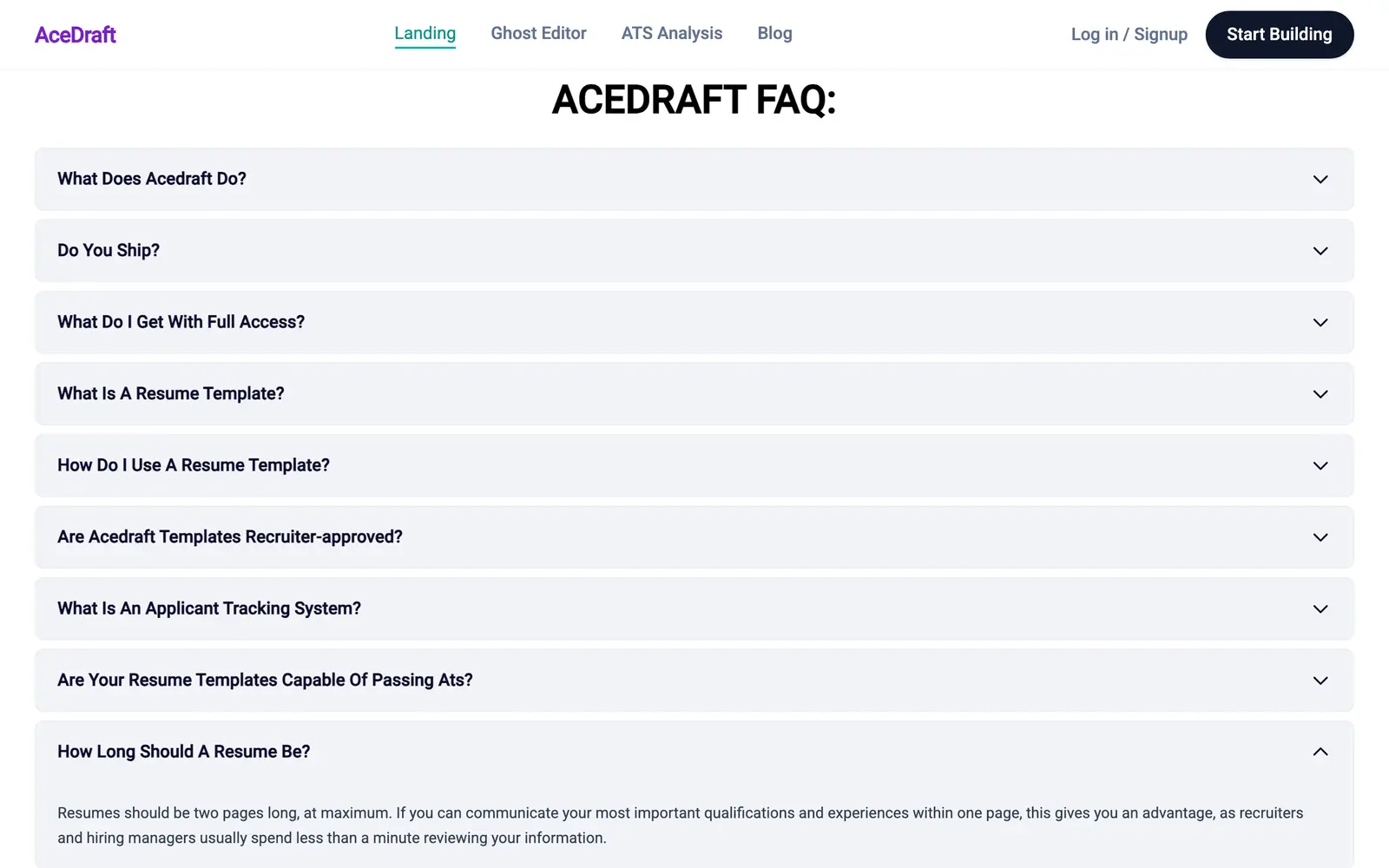 Opening the second question collapsed the first one. There is no way to pin an answer open.
There is no search box and no deep link to an individual answer. Every question title is on screen while the page sits fully collapsed, so your browser's find-in-page against that list is the nearest thing to a search box.
Which questions need more than the FAQ gives you?
Resume length, photos, fonts and skills count. Two of those are big searches and two are small: on 2026-09-14 OpenSEO put "best font for ats resume" at 140 a month in the US and "how many skills on a resume" at 30. The FAQ gives all four a paragraph each.
Some sense of the gap: OpenSEO measured "how long should a resume be" at 12,100 searches a month in the United States and 210 in India on 2026-09-14, with "should i put a photo on my resume" at 880 in the US and no measurable row in India on the same date. A question people ask twelve thousand times a month is not a two-sentence question, and the India result suggests the honest answer is regional anyway.
For now, the deeper write-ups live on the AceDraft blog as they ship. For the ATS questions specifically, the free ATS scan reads your actual file instead of handing you a general rule, and the guest editor lets you rebuild it without creating an account first.
What this doesn't do yet
| Behaviour | Status as of 2026-09-14 |
| Browse all sixteen questions without signing in | Works |
| Single-open accordion on mouse click | Works |
| Opening an answer with the keyboard | Not tested. Every capture in this piece is mouse-driven and I have not tabbed through the page |
| Search or filter the questions | Not built |
| Link directly to one answer | Not built |
| Keep two answers open together | Not possible by design |
| Page heading | Renders as "ACEDRAFT FAQ:" with a dangling colon |
| Region-specific answers for India, US and UK | Not built. Answers are written once, globally |
Author's take
I wrote these answers, and a few of them are weaker than I would like. The photo answer and the length answer both give one global rule, and Indian resume convention does not match US or UK convention on either point. That is a content debt, not a bug.
The thing I would defend is the shortness. On 2026-09-14, OpenSEO's SERP fetch for "ats resume guide" in the United States had a 2017 university careers PDF at position one, advising readers not to use templates and to save in .doc or Word 97-2003 format. Sixteen short, current answers beat one long, stale one.
Use this if you have one specific question about resume formatting or about what AceDraft's Full Access tier includes, and you want it settled in under a minute.
Skip this if you need the reasoning behind an answer, a regional variant, or anything about a specific ATS vendor. The FAQ will not get you there.
Related
- The live FAQ page: all sixteen questions, with the answers.
- Free ATS scan. Check your own resume instead of reading about resumes.
- Build one with no account at all in the guest editor.
- AceDraft blog — where the longer answers land as they are written.
Comments
No comments yet. Be the first to comment.