A Resume Builder Without a Subscription: What AceDraft Does
 Gowri Shanker·Sep 29, 2026
The AceDraft homepage is the pitch for a resume builder without a subscription, and it is built for exactly one reader: someone who is not signed in. The guest guard sends anyone holding a valid consumer JWT straight to /pro_area/dashboard, so the day you create an account is the last day you see this page. One thing I would rather you hear from me first: the hero currently carries a star-rating line and a "Thousands of resumes scanned" count, and AceDraft is pre-launch with no reviews and no usage figures behind either. I am not repeating them in this tour, and they should not be on the page.
Key takeaways
- The page is guest-only. Sign in and it redirects.
- Both demo videos are click-to-play behind a poster image, so no video bytes download until you ask for them.
- The polished export is a one-time payment, priced by region at runtime, so the number on your screen is not the number on mine. A plain-text ATS PDF is free: save your resume in the guest editor and the next page offers it with no sign-up and no payment.
- The long walkthrough runs about nine and a half minutes. I think that is too long to put on a homepage, and I say why below.
- Every visit to the landing page wipes your guest session.
What do you need before you start?
A browser and a signed-out session. There is no account to create and no card to enter, and you can reach both the editor and the scan from here without either.
To follow along usefully, keep two things in a tab: your current resume, and the text of one job posting you actually want.
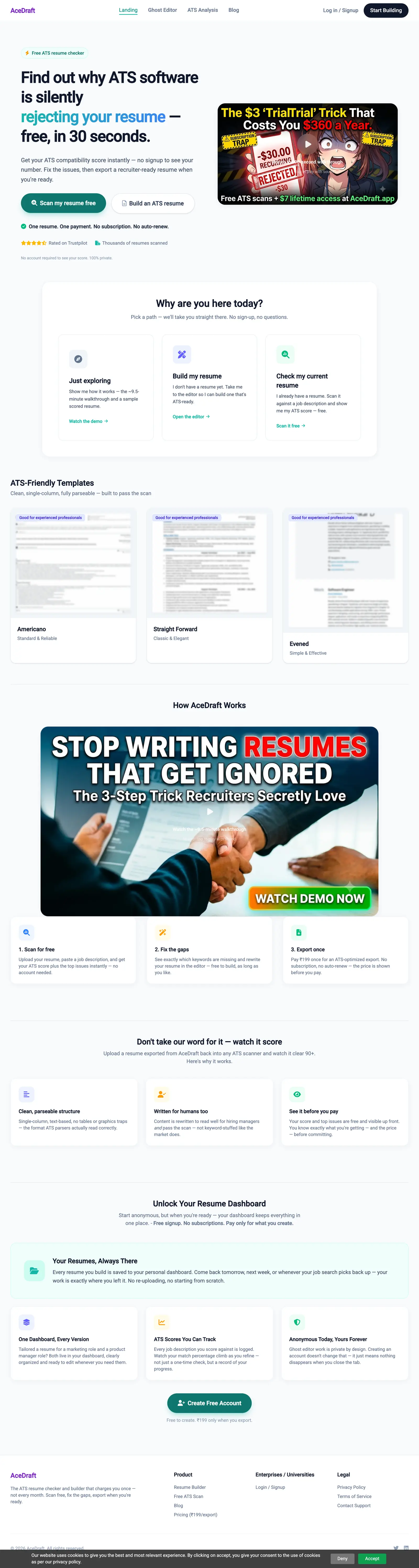 Six sections, and two of them are videos. Template previews are blurred here because the bundled samples have a real contact block baked into the artwork.
Step 1: Sign out, or you will not see this page at all
Open acedraft.app in a signed-out browser. A signed-in consumer account never lands here; the guest guard intercepts and redirects to the dashboard, which is why this tour is written for a stranger rather than a customer.
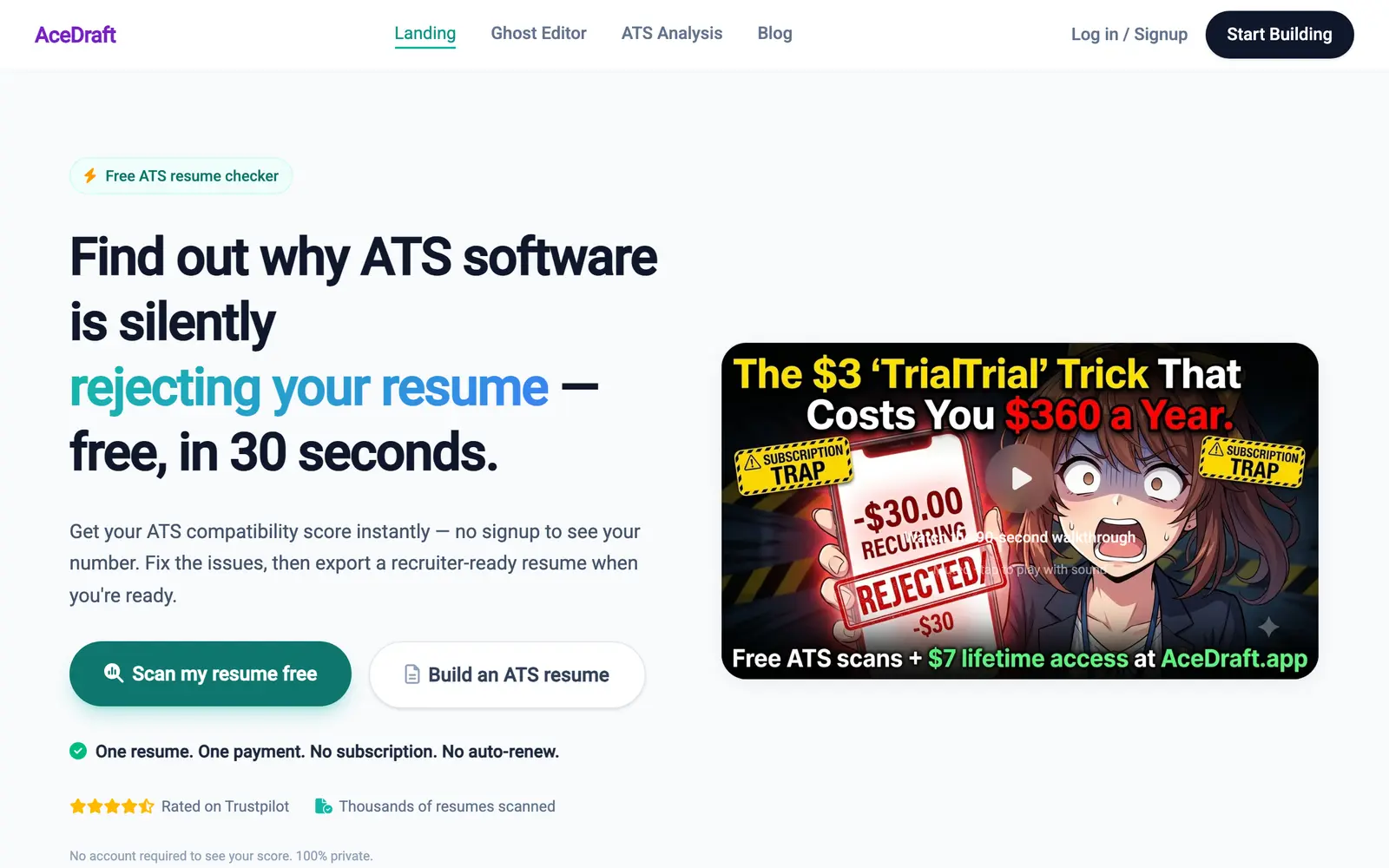 The two hero buttons map to the two things the product does: scan an existing resume, or build a new one. The star line and the scan count in this shot are the two claims I disowned at the top; they are on the live page and there is nothing behind either.
Heads up. Loading the landing page clears your guest state. Build something in the editor as a guest, click back here to re-read the pricing, and that work is gone. Open the homepage in a second tab instead.
Step 2: Pick a path from "Why are you here today?"
Scroll to the pathfinder section and pick one of three cards, which is faster than reading the rest of the page. "Just exploring" points at the walkthrough video and a sample scored resume, "Build my resume" opens the editor, and "Check my current resume" goes to the free scan.
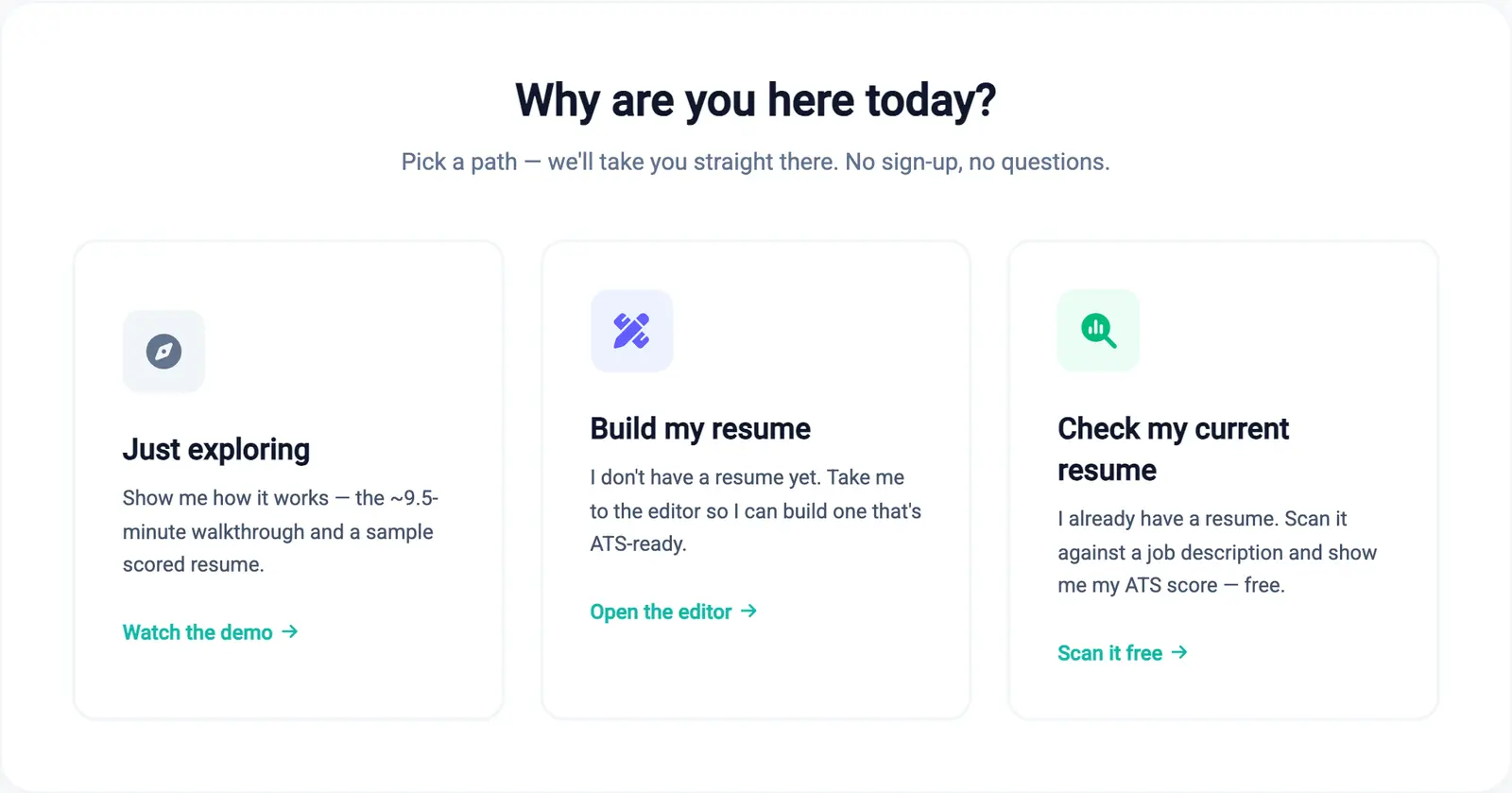 Each card states the job it is for in the reader's own words before it offers a link.
Step 3: Play the short demo
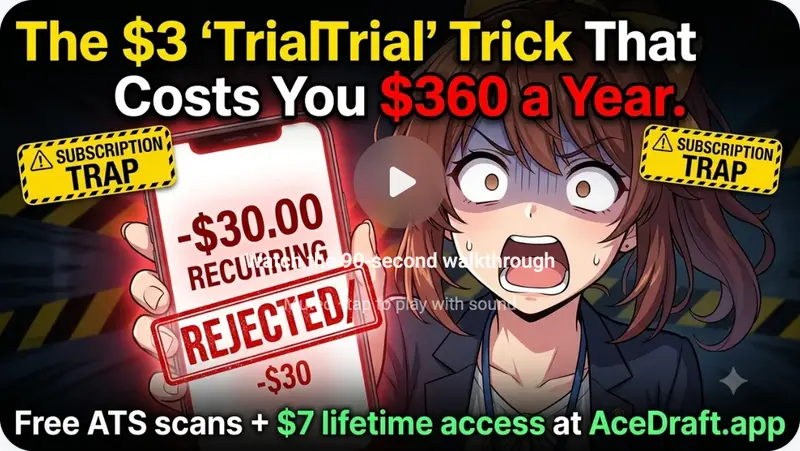
Click the play triangle in the hero and the short demo starts, muted. The page labels it the "90-second walkthrough";
Step 4: Decide whether the long walkthrough is worth your time
The second video in "How AceDraft Works" runs about nine and a half minutes across seven chapters: Intro, Editor to Downloads, ATS Scanner, Career Changers, How to Re-edit Resumes, Earn with AceDraft, and Earn as a Creator. If you are here to answer one question, skip to the chapter that matches it.
The re-editing chapter is the one I would point a subscription-averse reader at, because "can I come back in six months and change this file" is the question the pricing model actually turns on.
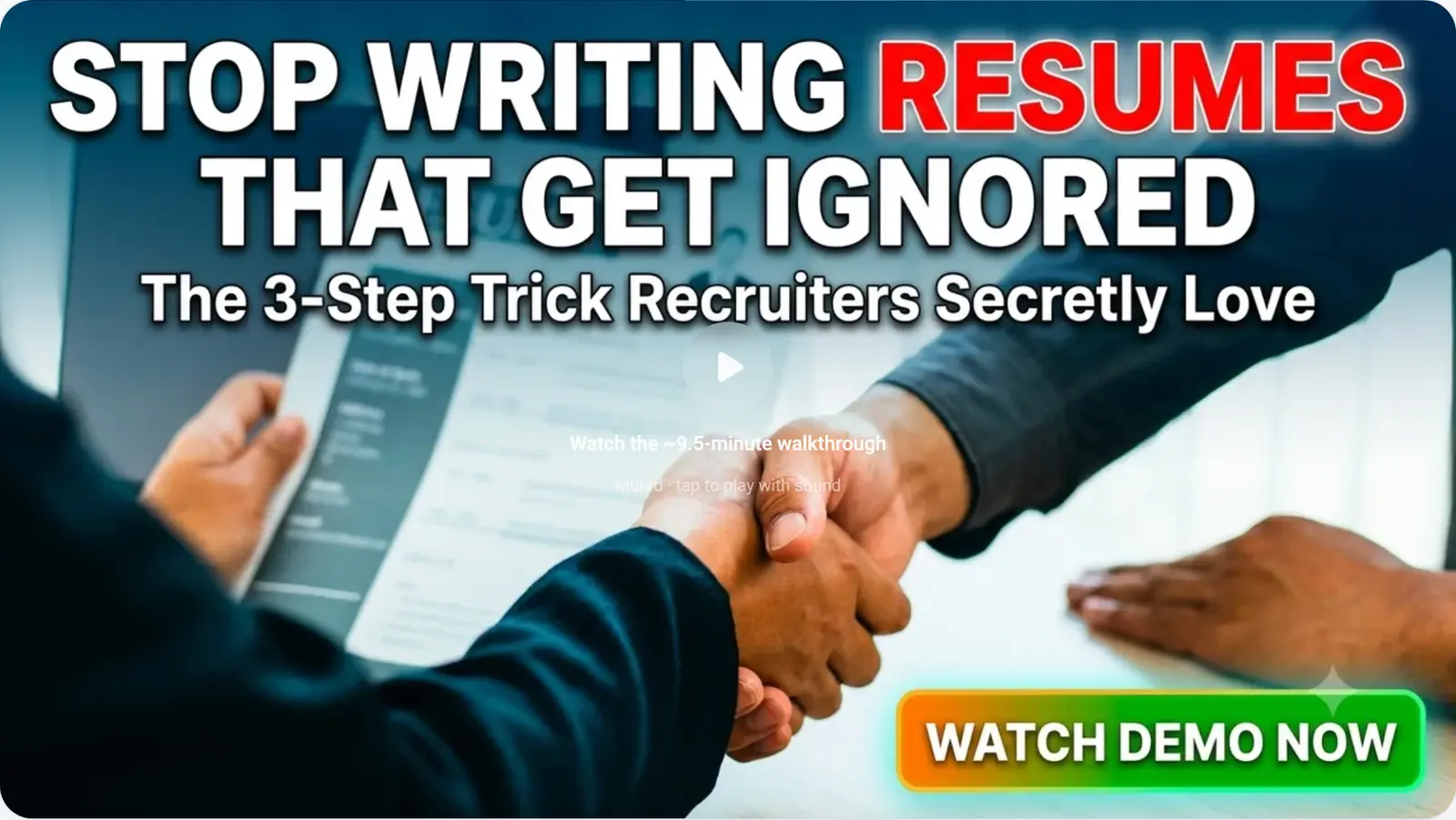 Same gate as the hero video: poster only, nothing loads until the click.
Step 5: Find where each thing in the video actually lives
The three numbered steps under the walkthrough tell you where to go next, and both destinations are public routes you can open right now. Scanning happens at the free ATS scan, and writing happens in the resume editor.
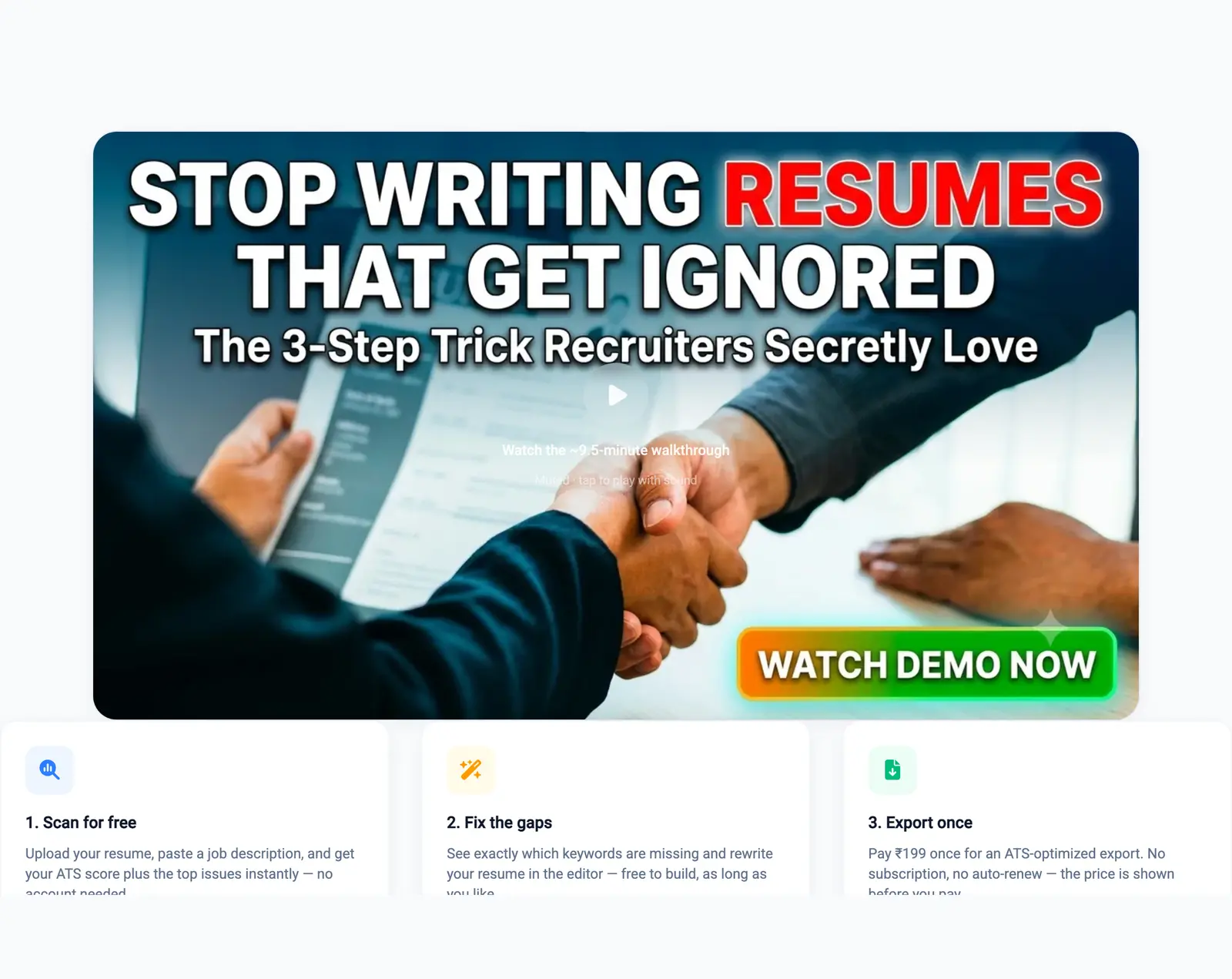 Steps 1 and 2 need no account. Step 3 is where money enters.
Step 6: Look at the templates before you commit
The templates row shows three designs: Americano, Straight Forward and Evened, all single-column. Single-column is a deliberate constraint rather than a shortage of ideas. I did not want to ship a layout whose reading order depends on how a given parser handles columns, or one that hides text inside an image where a text extractor will not find it, so I did not build any.
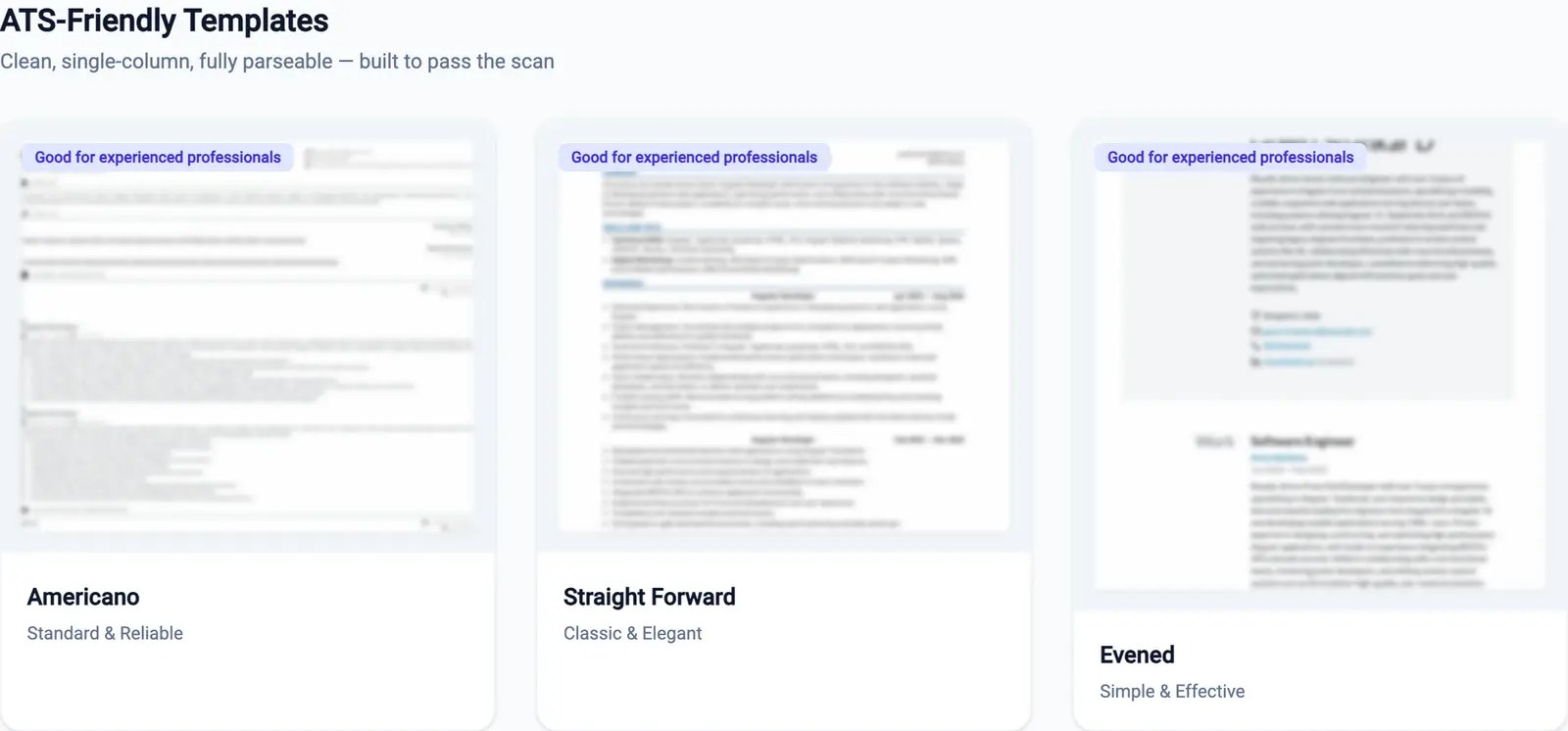 Three, not thirty. A bigger gallery is mostly more layouts I would have to tell you not to use.
Step 7: Is this a resume builder without a subscription?
Yes, and the page says so in three separate places: you pay once per export, with the price shown before you pay, and nothing auto-renews. That price is for the polished export. The plain-text ATS PDF is free: save your resume in the guest editor and the next page offers it with no sign-up, no payment and no watermark. What the page cannot do is quote you a single figure in a tutorial, because PricingService resolves the export price by region when the page loads.
So treat any figure in a screenshot as an artefact of where that screenshot was taken. The hero poster art has "$7 lifetime access" painted into the image, while the page underneath it resolved a rupee figure on the local dev build these captures came from on 2026-09-14. Neither is your price. The checkout screen is.
The clearest place to see that on the page is the line under the Create Free Account button, which pairs a free signup with a single figure at export. That line doesn't mention the free plain-text PDF, so read the figure as the price of the polished export.
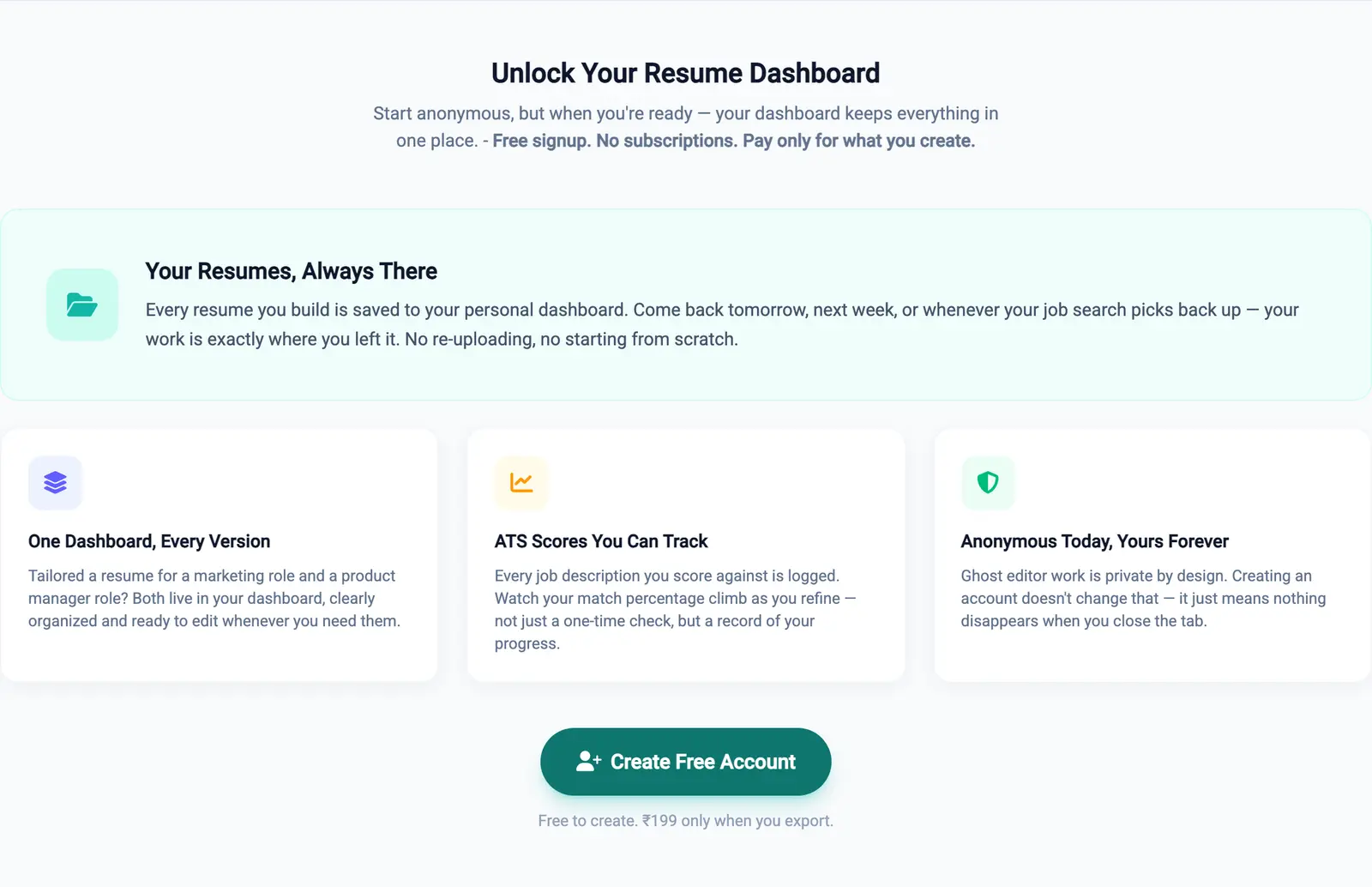 That rupee figure is what this dev run resolved to, and it contradicts the poster art two sections up. Signing up is free either way; what an account buys is persistence, because guest work vanishes when the tab closes.
What this page doesn't do yet
| What it does | Where it stops |
| Routes a stranger to the scan, the editor or a demo in one click | Shows nothing to a signed-in account; the guard redirects first |
| Loads no video until you click a poster | Both poster captions are white text on busy art, barely readable |
| Resolves the one-time export price to your region | The poster art has a dollar figure painted into the image, so the page can contradict itself |
| Explains re-editing in a video chapter | Only in the video. Nothing written on the page says it |
| Lets you work as a guest | Coming back to the homepage clears that guest session, silently |
Author's take
I wrote this page and I think its worst problem is that it argues in two registers at once.
The product sections are specific and checkable: three templates, single column, scan free, pay once. Then the hero and the proof section borrow the language of a company with a customer base, which is the one thing AceDraft does not have yet. A star rating for a product nobody has bought is worse than saying nothing.
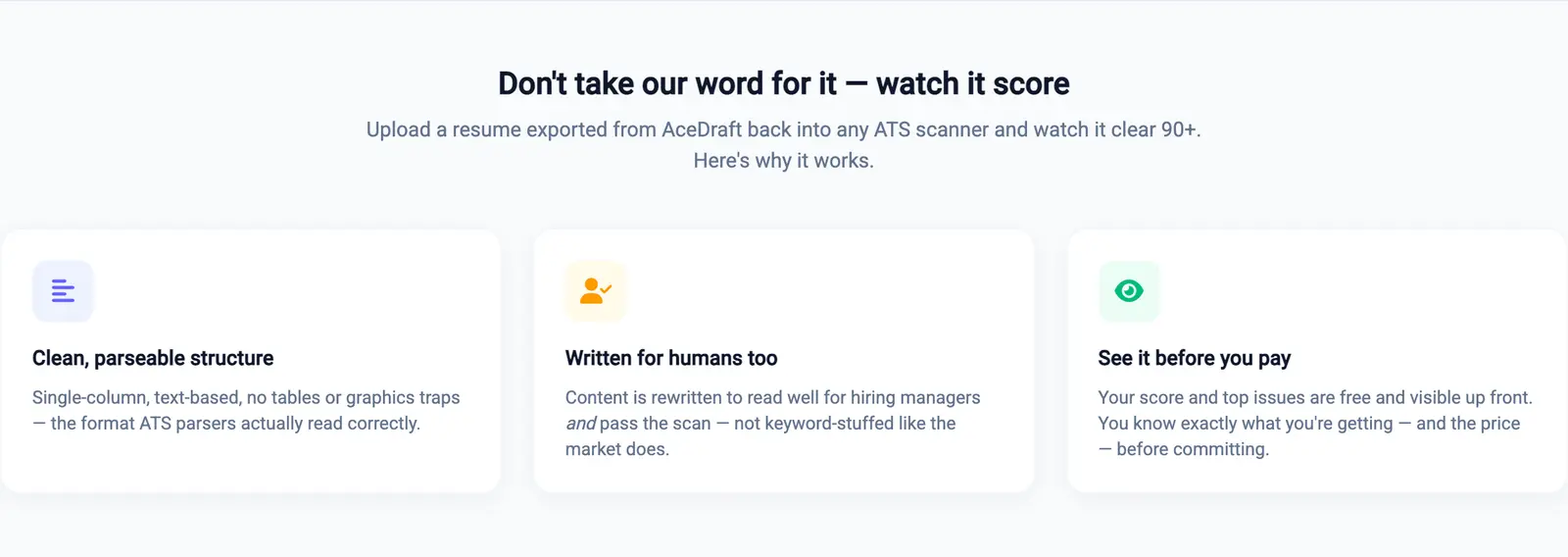 The three cards describe real design choices. The strapline above them promises a specific score outcome, which I cannot back with evidence.
The nine-and-a-half-minute video is the other thing I would change. It is genuinely useful and I still think it is in the wrong place: I would not sit through nine and a half minutes of a product I had not decided on yet, and by the point that video appears I do not think the page has earned it. Link it from the pathfinder card, and let the short demo carry the hero.
Use this if, skip this if
Use this page if you have a resume already, you object to paying monthly for a document you edit twice a year, and you want to see a score before you decide anything. Start at the scan and ignore the rest of the page.
Skip this page if you already have an AceDraft account, in which case you literally cannot open it, or if you are buying for a campus or placement team. Team purchasing lives on the enterprise side and this page will not answer your questions.
Related
- The resume editor, which you can open as a guest without signing up.
- The free ATS scan, for the score-first path.
- Pricing and account questions.
- The creator program, which is what the walkthrough's last chapter is about.
Comments
No comments yet. Be the first to comment.